4. Dashboard
URL: http(s)://url/
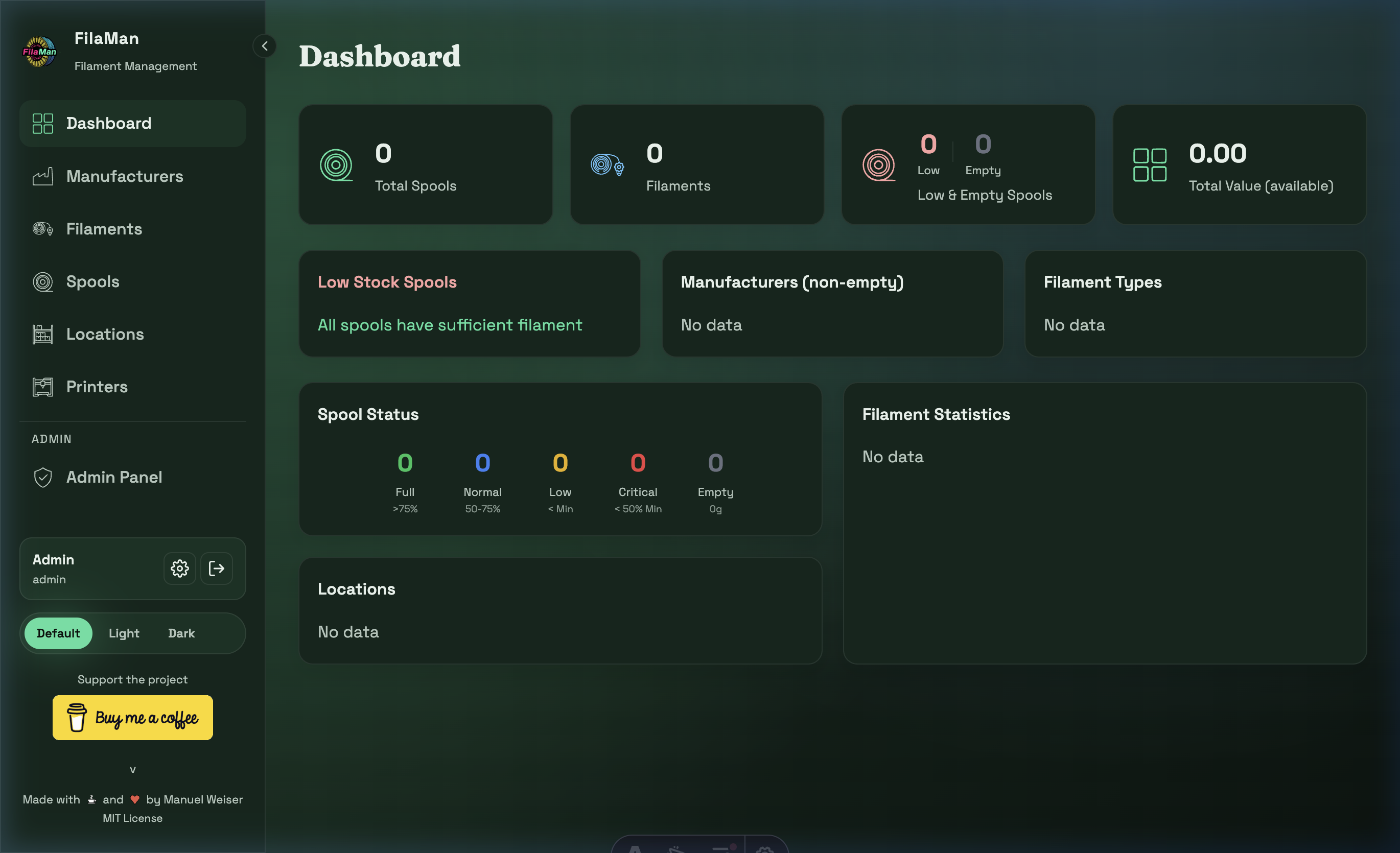
The Dashboard is the FilaMan start page and provides a quick overview of your entire filament inventory.
Statistics Cards (Top Row)
| Card | Description |
|---|---|
| Total Spools | Total number of all registered spools |
| Filaments | Number of different filament types |
| Low & Empty Spools | Spools with low or empty fill levels |
| Total Value (available) | Total value of the available filament stock |
Alert System: Low Stock Spools
The "Low Stock Spools" card immediately shows whether any spools need to be reordered:
- Green message "All spools have sufficient filament" – no action required
- Red message – a list of critical or empty spools is displayed
Statistics Sections
| Section | Description |
|---|---|
| Manufacturers (non-empty) | List of manufacturers that still have filled spools |
| Filament Types | Overview of the material types in use |
| Spool Status | Visual breakdown of spool fill levels by category |
| Filament Statistics | Additional filament statistics |
| Locations | Overview of occupied storage locations |
Spool Status – Fill Level Categories
| Status | Color | Meaning |
|---|---|---|
| Full | Green | > 75 % fill level |
| Normal | Blue | 50 – 75 % |
| Low | Yellow | Below minimum weight |
| Critical | Red | < 50 % of minimum weight |
| Empty | Gray | 0 g – completely empty |