10. Settings
URL: http(s)://url/settings
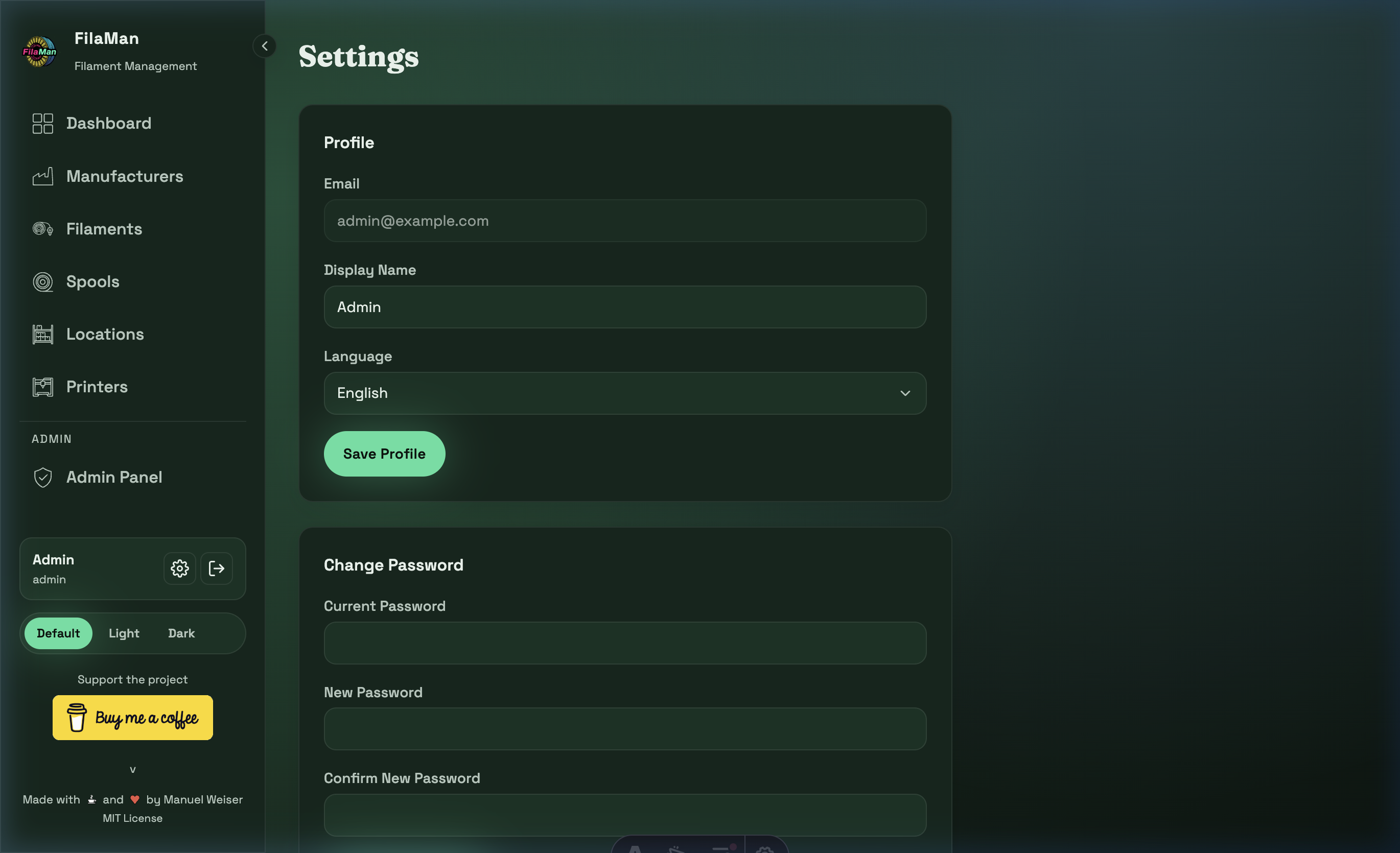
Under Settings you can manage your personal user preferences. This page is accessible to every logged-in user.
Profile Settings
| Field | Description |
|---|---|
| Your email address (used for login) | |
| Display Name | The name shown in the sidebar |
| Language | Display language of the application (e.g. English, Deutsch) |
Click "Save Profile" to save your changes.
Change Password
To change your password, fill in the three fields:
- Current Password – Your current password
- New Password – The new password
- Confirm New Password – Repeat the new password to confirm
🔒 Security note: Choose a strong password of at least 8 characters, combining uppercase and lowercase letters, numbers, and special characters.