8. Locations
URL: http(s)://url/locations
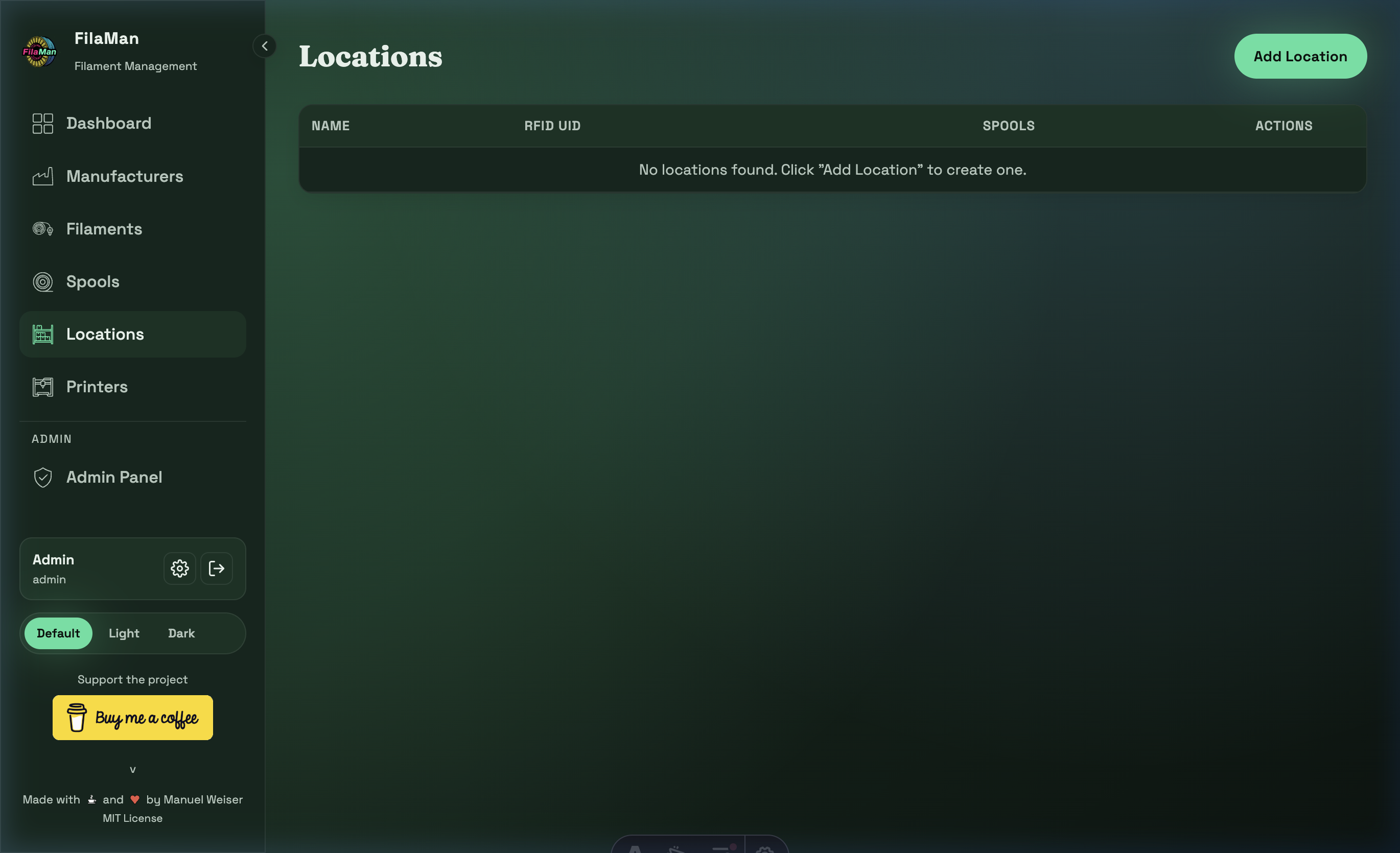
The Locations page is where you manage all storage locations for your filament spools. These can be drawers, shelves, containers, or even printers.
Table Columns
| Column | Description |
|---|---|
| NAME | Name of the location (e.g. "Shelf A", "Dry Box") |
| RFID UID | Optional RFID tag UID for automatic identification |
| SPOOLS | Number of spools currently stored at this location |
| ACTIONS | Edit / Delete |
Features
Add a Location
Click "Add Location" in the top right. Enter:
- Name – Name of the storage location
- RFID UID – (Optional) RFID chip UID, if you use RFID scanners
RFID Integration
FilaMan supports RFID for storage locations. If you use an RFID scanner and chips, you can automatically assign spools to a location when the scanner sends the location's UID to FilaMan. The RFID UID is attached directly to the storage location (e.g. an RFID sticker on a drawer).
Delete a Location
A location can only be deleted if no spools are currently assigned to it.