5. Manufacturers
URL: http(s)://url/manufacturers
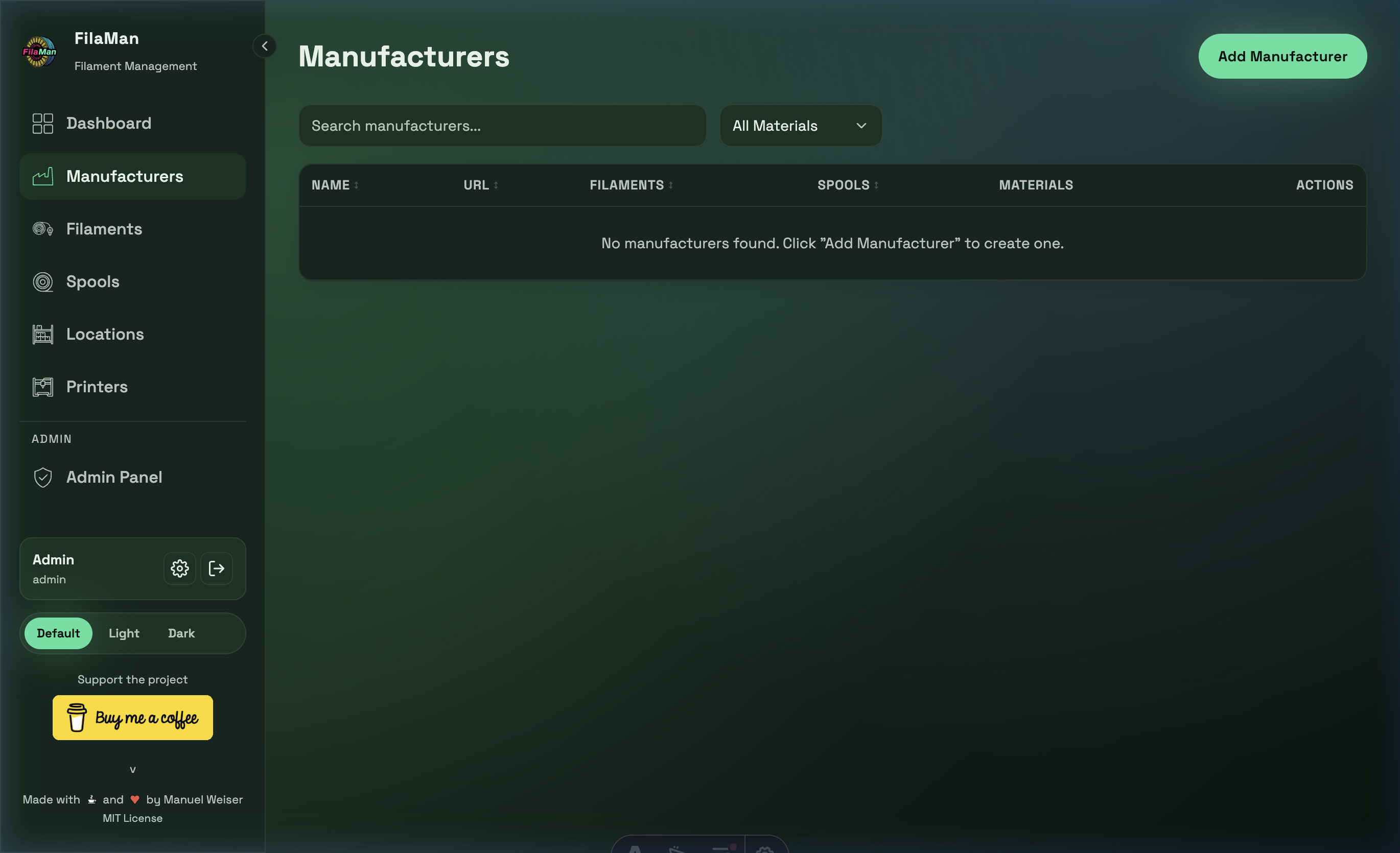
The Manufacturers page is where you manage all filament manufacturers whose products you want to track in the system. Each manufacturer can have multiple associated filaments.
Table Columns
| Column | Description |
|---|---|
| NAME | Name of the manufacturer |
| URL | Manufacturer's website (clickable link) |
| FILAMENTS | Number of filament types registered for this manufacturer |
| SPOOLS | Number of spools from this manufacturer currently in stock |
| MATERIALS | Materials used (e.g. PLA, PETG, ABS) |
| ACTIONS | Edit / Delete buttons |
Features
Search
Use the search bar at the top left to filter manufacturers by name.
Filter by Material
The "All Materials" dropdown filters the manufacturer list by a specific filament material (e.g. show only PLA manufacturers).
Add a Manufacturer
Click "Add Manufacturer" in the top right. A dialog will open with two creation modes:
Create from FilaManDB (recommended)
Prerequisite: The FilamentDB plugin must be enabled under Admin → System. If the plugin is not active, only the manual mode is shown.
- Select the "Create from FilaManDB" mode (radio button at the top of the dialog)
- Type at least 2 characters in the search field – a dropdown appears with matches from the FilaManDB community database
- Click on the desired manufacturer
- Name and website are automatically pre-filled
- The manufacturer logo is also automatically downloaded if available in the FilaManDB
Manual entry
- Select the "Manual entry" mode
- Fill in the fields:
- Name – Required: manufacturer name (e.g. "Prusament")
- URL – Optional website address of the manufacturer
Edit a Manufacturer
Click the pencil icon in the ACTIONS column next to a manufacturer.
When the FilamentDB plugin is enabled, the "Load from FilaManDB" button is available in the edit dialog. Use it to update the manufacturer data (name, website, logo) with the latest data from the community database.
Delete a Manufacturer
Click the trash icon in the ACTIONS column. A manufacturer can only be deleted if no filaments are assigned to it.