2. Login
Open the FilaMan application in your browser. If you are not yet signed in, you will be automatically redirected to the login page.
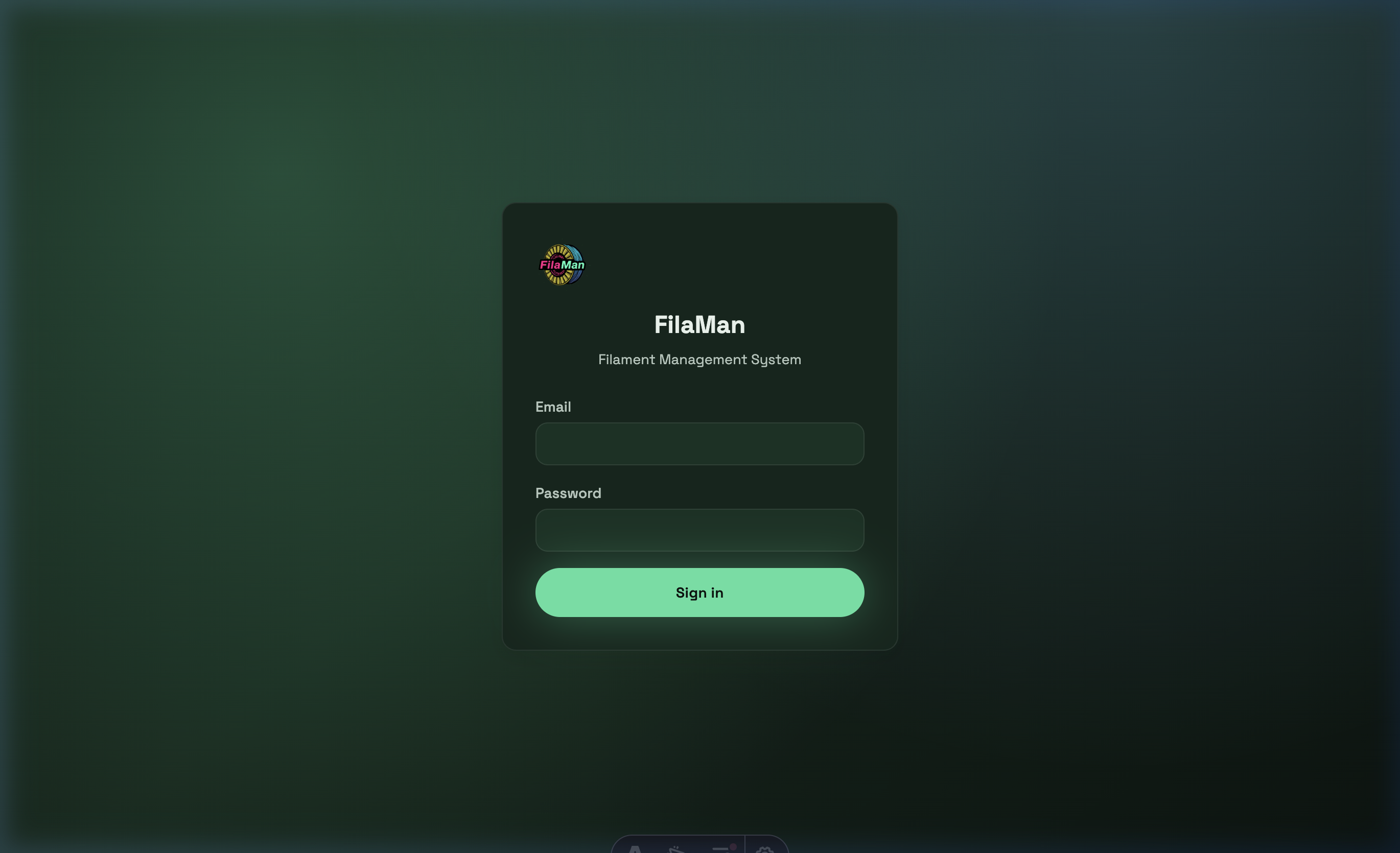
Login fields:
- Email – Your registered email address
- Password – Your personal password
Click "Sign in" to log in.
💡 Note: If you have forgotten your password, please contact your system administrator. Password resets can be performed via the Admin area.
After a successful login you will be taken directly to the Dashboard.