9. Printers
URL: http(s)://url/printers
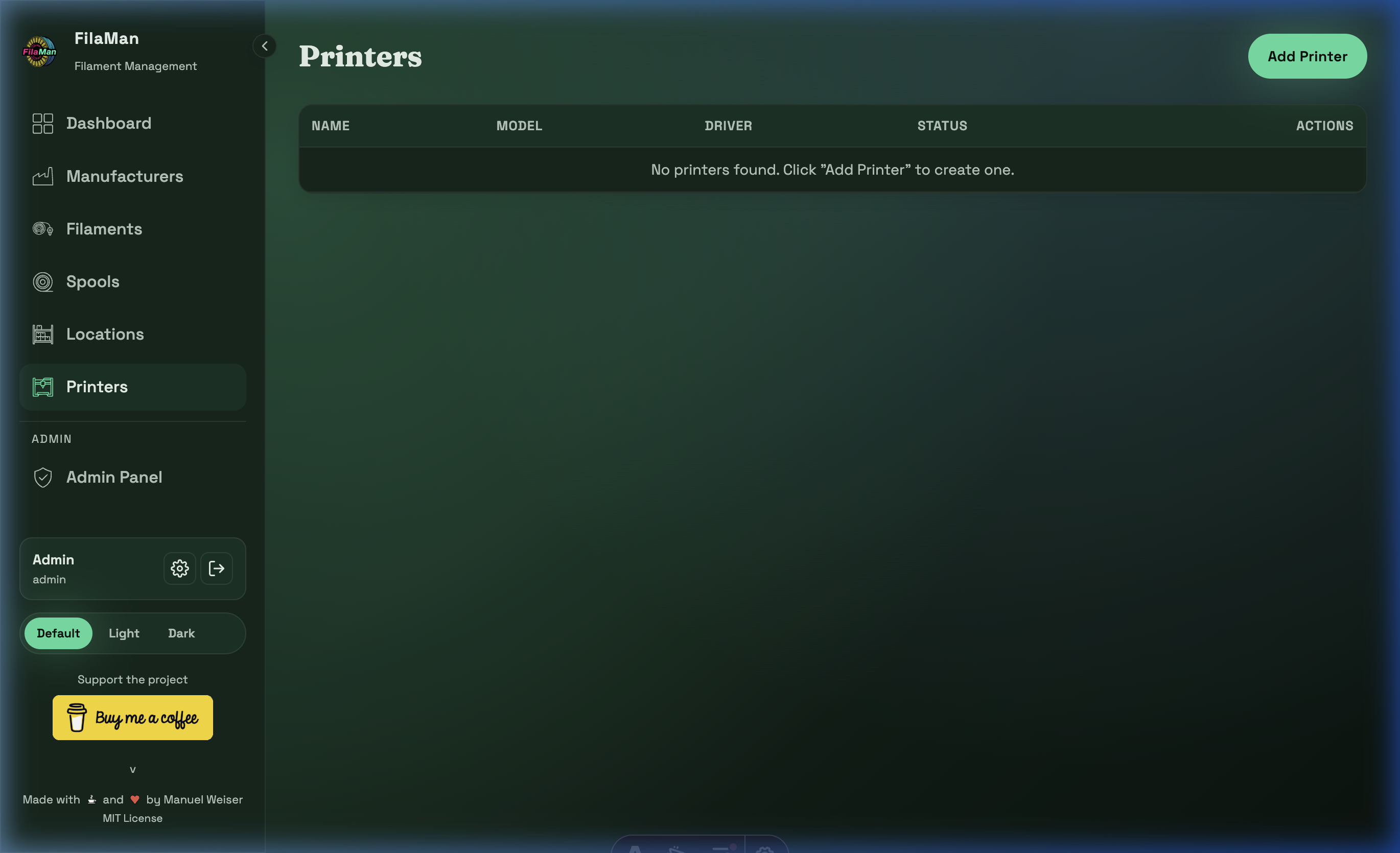
The Printers page is where you manage all 3D printers registered in FilaMan.
Table Columns
| Column | Description |
|---|---|
| NAME | Name of the printer (e.g. "Prusa MK4 #1") |
| MODEL | Printer model designation |
| DRIVER | Printer driver / connection type |
| STATUS | Current operational status of the printer |
| ACTIONS | Edit / Delete |
Features
Add a Printer
Click "Add Printer" in the top right. The form contains:
- Name – Unique name for the printer
- Model – Model designation
- Driver – Driver or connection type (e.g. OctoPrint, Moonraker/Klipper)
- Additional printer-specific configuration options
Printer Integration
When a printer is connected, FilaMan can automatically track filament consumption and update spool fill levels, provided the printer is integrated via a compatible API (e.g. OctoPrint or Klipper/Moonraker).